Network Security Tools
Jul 31, 2026
Jul 10, 2026
•
6 min read

A single miscalculated subnet mask can knock a range of usable IP addresses out of service or open up a network segment you didn't intend to expose. To take the guesswork out of it, we built a free subnet calculator that handles both IPv4 and IPv6 addressing in one place.
Enter an IP address with a CIDR prefix or a subnet mask, and the tool instantly returns the network address, broadcast address, usable host range, and wildcard mask. No spreadsheets, no binary math on a whiteboard, no guessing whether that /27 actually gives you the host count you think it does.
What Is a Subnet Calculator?
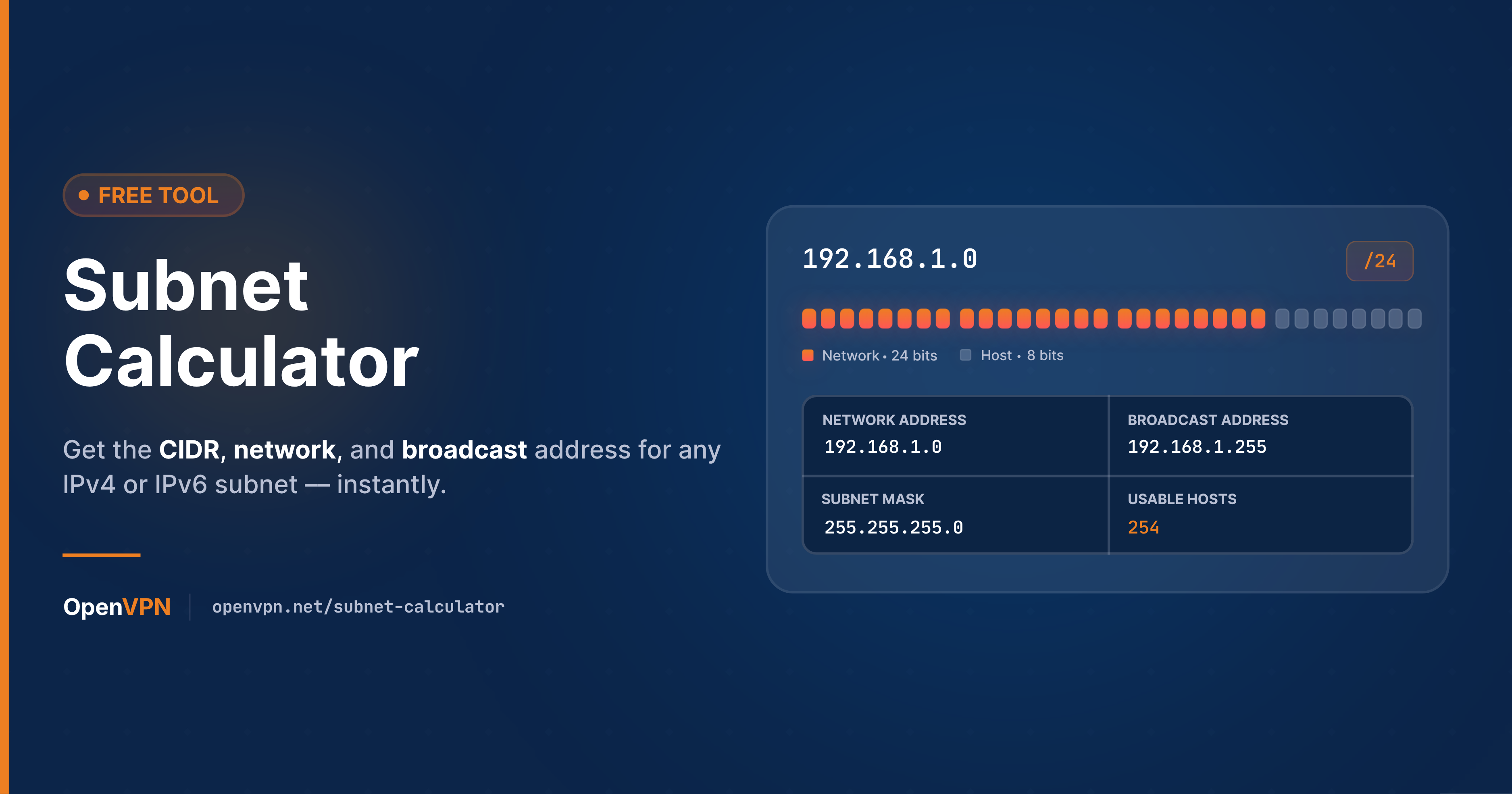
A subnet calculator (also called an IP subnet calculator or CIDR calculator) converts an IP address and a prefix length or subnet mask into the practical details you need to configure a network: which addresses belong to that subnet, which one is reserved for the network itself, which one is reserved for broadcast traffic, and which addresses are actually assignable to hosts.
Doing this by hand means converting decimal addresses to binary, applying the mask, and converting back - straightforward in theory, tedious and error-prone in practice, especially with irregular prefixes like /27, /29, or IPv6's 64-bit boundaries.
How the Free OpenVPN Subnet Calculator Works
The OpenVPN subnet calculator takes two types of inputs:
-
An IP address with CIDR notation - for example, 192.168.10.0/26
- An IP address with a subnet mask - for example, 192.168.10.0 with mask 255.255.255.192
From either input, it returns:
-
Network address - the base address that identifies the subnet
- Broadcast address - the reserved address used to reach every host on an IPv4 subnet
- Usable host range - the first and last assignable addresses, plus the total count of usable hosts
- Wildcard mask - the inverse of the subnet mask, used in access control lists (ACLs) and routing configuration on platforms like Cisco IOS
Because it's a combined IPv4 and IPv6 subnet calculator, it works whether you're sizing out a legacy IPv4 LAN, planning a site-to-site VPN route table, or documenting an IPv6 deployment - you don't need a separate IPv6 subnet calculator for the second case.
CIDR Notation and Subnet Masks, Briefly
CIDR (Classless Inter-Domain Routing) notation expresses a subnet mask as a prefix length - the number of leading bits in the address that are fixed for the network portion. /24 means the first 24 bits are the network, leaving 8 bits for host addresses. That's equivalent to a subnet mask of 255.255.255.0.
The relationship between prefix length and subnet mask is fixed, so a CIDR calculator and a subnet mask calculator are really solving the same problem from two different angles - which is why the OpenVPN tool accepts either input format interchangeably.
Worked Example: IPv4 Subnetting
Take the network 192.168.10.0/26. Running it through the calculator returns:
-
Subnet mask: 255.255.255.192
- Wildcard mask: 0.0.0.63
- Network address: 192.168.10.0
- Broadcast address: 192.168.10.63
- Usable host range: 192.168.10.1 – 192.168.10.62 (62 usable hosts)
A /26 sets aside 6 host bits (26 = 64 total addresses), and IPv4 always reserves the first address for the network and the last for broadcast - leaving 62 addresses to actually assign to devices. That reserved-address rule is the detail people most often forget when sizing a subnet, and it's the reason a /27 doesn't quite give you the round number of hosts it looks like it should.
IPv4 vs. IPv6 Subnetting
IPv6 subnetting follows the same CIDR logic but with a few practical differences worth knowing before you rely on the calculator's output:
- No broadcast address. IPv6 has no broadcast concept at all - it uses multicast instead, so there's no address reserved the way IPv4 reserves its last host address.
- Larger default prefixes. IPv6 subnets are conventionally allocated as /64s, giving a practically unlimited number of host addresses per subnet - sizing hosts the way you would on IPv4 mostly stops being a concern.
- No wildcard mask equivalent. Wildcard masks are an IPv4-specific ACL construct; IPv6 access lists match on prefix length directly.
For example, running 2001:db8::/64 through an IPv6 subnet calculator gives you a network prefix of 2001:db8:: and a usable range spanning the entire 64-bit host portion - from 2001:db8:: through 2001:db8::ffff:ffff:ffff:ffff, with no addresses carved out for broadcast. That's one of the main reasons a general-purpose subnet calculator needs to treat IPv4 and IPv6 as genuinely different modes rather than reusing the same math with a longer address.
Why Subnetting Accuracy Matters for VPN and Network Design
Getting subnet boundaries right isn't just an academic exercise. It directly affects:
- Site-to-site VPN routing - overlapping subnets between two sites is one of the most common reasons a site-to-site tunnel fails to route traffic correctly.
- Split-tunnel and ACL configuration - wildcard masks and CIDR ranges define exactly which traffic is included or excluded from a VPN tunnel or firewall rule.
- Address planning at scale - cloud VPCs, VLANs, and remote-access deployments all depend on subnet math that lines up cleanly, with enough headroom to grow without renumbering later.
A quick, reliable subnet calculator removes one of the more common sources of misconfiguration in each of these scenarios. It's also useful well before deployment: sketching out address space during network design, confirming a subnet has enough headroom for planned growth, or double-checking a colleague's proposed range doesn't collide with an existing site before it goes into a change request.
Frequently Asked Questions About the Subnet Calculator
How do you calculate a subnet mask from an IP address?
The subnet mask itself isn't derived from the IP address - it's assigned based on how many host addresses the subnet needs. Once you know the required prefix length (for example, /24 for 254 usable hosts), the mask follows directly: the prefix length sets how many leading bits are 1s, and the rest are 0s, expressed in dotted-decimal as the subnet mask.
How do you calculate the IP range from a subnet?
Apply the subnet mask to the IP address to find the network address, then flip the host bits to all 1s to find the broadcast address (IPv4 only). Every address between those two, exclusive, is usable. The OpenVPN subnet calculator does this conversion automatically for both IPv4 and IPv6.
What's the difference between a subnet mask and a wildcard mask?
They're inverses of each other. A subnet mask of 255.255.255.192 corresponds to a wildcard mask of 0.0.0.63. Subnet masks define network boundaries; wildcard masks are used in Cisco ACLs and OSPF configuration to specify which bits must match.
Does CIDR notation work the same way for IPv6?
Yes - the prefix length still indicates how many leading bits define the network portion. The main difference is scale: IPv6 addresses are 128 bits total, and subnets are conventionally allocated at /64 rather than the variable prefixes common in IPv4 networks.
Try the Free Subnet Calculator
Whether you're documenting a network, troubleshooting a routing conflict, or planning IP allocation for a new VPN deployment, the OpenVPN subnet calculator gives you accurate network address, broadcast address, host range, and wildcard mask results in seconds - for both IPv4 and IPv6. Try it now, free!