You liked the mesh model. You didn't like that someone else's server decided when your devices could talk to each other. So you went looking for a way to keep the first thing without the second, found Headscale — a community reimplementation of Tailscale's coordination server — and put it on a VM in your rack.
Which solved the ownership problem and handed you a new one: you are now the maintainer of an unofficial clone of a proprietary control plane, and when it breaks at 11pm, the person on call is you.
That's a real trade and plenty of people make it happily. But it's worth knowing it isn't the only way to get what you were after — so this post is about what a coordination server actually does, what it knows about your network, and the three honest options for who runs it.
What is a coordination server?
Mesh VPNs split the job in two, and the split is the whole story.
The data plane is the encrypted traffic between your devices. In Tailscale's case, that's WireGuard, running peer-to-peer, and it genuinely does go directly between your machines when it can. Your file transfer from the NAS to your laptop isn't passing through anyone's data center.
The control plane is everything that makes the data plane possible: distributing public keys, telling each device the current address of every other device, deciding which peers are allowed to see each other, handling NAT traversal negotiation, and issuing the ACLs that get enforced. That's the coordination server, and with a managed mesh, it's the vendor's.
The distinction matters because "your traffic goes directly between your devices" is true and also not the reassurance it sounds like. The coordination server doesn't need to see your traffic to know a great deal about you.
What it knows
Run through what a coordination server has to know in order to do its job:
- Your entire network topology. Every device you've enrolled, its name, its operating system, its keys.
- Connection timing. Which devices came online, when, and from what IP address. That's a movement log for every laptop and phone you've enrolled.
- Your access policy. The ACLs describing who may reach what — which is a fairly detailed description of what you consider sensitive.
- The key material distribution. It's the thing handing out and rotating public keys.
None of that is a vulnerability. It's inherent to the architecture — you cannot coordinate a mesh without knowing its shape. But it does mean the honest description of a managed mesh isn't "nobody can see my network." It's "a third party knows the shape of my network and when I use it, and I've decided that's fine."
For a lot of homelabs, that genuinely is fine. It's a reasonable trade for something that works in four minutes with no port forwarding.
And the relay question
The other detail worth understanding: peer-to-peer doesn't always work.
Roughly a fraction of connections can't establish a direct path — symmetric NAT on both ends, restrictive corporate firewalls, some mobile carriers, and carrier-grade NAT are all common culprits. When direct connection fails, mesh VPNs fall back to relaying traffic through vendor-operated relay servers.
That traffic is still end-to-end encrypted; the relay can't read it. But it does mean that on connections where NAT traversal fails, your data transits infrastructure you don't own, and you generally don't get told which connections those are.
Again: not a scandal, and the vendors document it. But if you self-host because "I don't want my traffic touching third-party infrastructure," this is the part of the architecture that doesn't fully deliver that, no matter how the marketing is worded.
Why people go looking
In our experience, the search for an alternative comes down to one of three motivations, and they want quite different things:
Ownership. You want the control plane on your hardware. Not for a compliance reason — because it's yours and you'd like it to stay that way.
Continuity. You don't want your access to your own house to depend on a company's uptime, funding, acquisition, or pricing decisions. "Is Tailscale down?" is a question a lot of people search for, and if the answer determines whether you can reach your own NAS, that's the dependency you're trying to remove.
Auditability. You want a connection log that exists only on your infrastructure, and you'd like to be able to answer "who connected to what, when" from your own records.
Notice that none of those are about speed or features. They're about who holds the keys.
Option one: Managed mesh, and be at peace with it
Tailscale, ZeroTier's hosted controller, Cloudflare's tunnels — these are good products, and the operational overhead is close to zero. No port forwarding, no dynamic DNS, no certificate management, works behind carrier-grade NAT without you thinking about it.
If your honest answer to "do I want to maintain this?" is no, this is the right choice and there's no shame in it. A VPN you actually keep patched beats a self-hosted one you stopped updating in 2024.
Choose this if: convenience is the priority, you're behind CGNAT, and a vendor knowing your topology doesn't bother you.
Option two: Headscale
Headscale is a community-built, open-source implementation of Tailscale's coordination server. You run it, it speaks the same protocol the official Tailscale clients expect, and your control plane is now a container on your own box.
It genuinely does solve the ownership problem. It's also worth being clear-eyed about what you've signed up for:
- It's a reimplementation of a proprietary API maintained by people other than the vendor. Feature parity is a moving target, and when the upstream protocol changes, Headscale follows rather than leads.
- You are the support tier. There's a GitHub issue tracker and a helpful community, and that's the escalation path.
- You still depend on the official clients, which are built by the company whose server you've chosen not to use.
- Some features that exist in the managed product aren't available or work differently, and the list changes over releases.
For someone who enjoys this — and lots of homelabbers genuinely do, that's the hobby — Headscale is a good time. For someone who wants control and not a new project, it's a heavier lift than it first appears.
Choose this if: you want the mesh model specifically, you want to own the control plane, and maintaining infrastructure is a feature of your weekend rather than a cost.
Option three: A self-hosted server with a company behind it
The third option tends to get overlooked because it isn't mesh-shaped: run a supported VPN server on your own hardware.
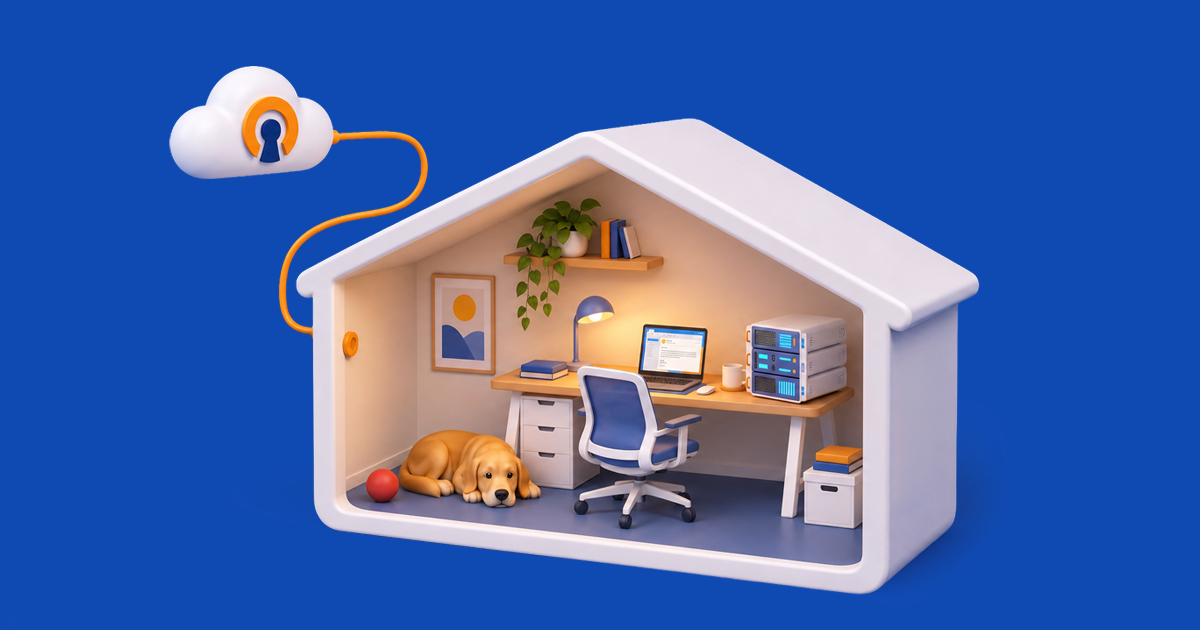
This is what OpenVPN Access Server is. You put it on a VM — a mini PC, a Proxmox guest, whatever's spare — and you own the server, the certificate authority, the keys, the logs, and the access policies. No coordination server exists, because the architecture doesn't have one: clients connect to your server directly, and your server is the only thing that knows your topology. Nobody at OpenVPN can see your network because no component runs on our infrastructure.
You get the access controls the mesh vendors market as ZTNA — per-user and per-group policies, MFA enforcement, device posture, split tunneling, LDAP or RADIUS or SAML integration — with the policy engine inside your perimeter.
And the free tier is genuinely free: two simultaneous connections, forever, all features, no credit card. For a homelab where you and one other device are connected at a time, that's often all you need. Past two, you pay per concurrent connection.
Choose this if: you want ownership and a support contact, and you can live without the mesh topology.
What you give up
Self-hosting Access Server costs you things, and skipping past that would be doing you a disservice.
You need a reachable address. A hub-and-spoke server has to accept inbound connections, which means a routable public IP and a forwarded port. If you're on Starlink or behind carrier-grade NAT, that's a hard blocker — mesh VPNs get around it precisely because their coordination server brokers the connection. We wrote about what to do in that situation, and the short version is that our cloud-delivered option needs no inbound port at all.
You need dynamic DNS if your ISP hands out addresses by DHCP, which most residential connections do.
You're on the hook for maintenance. Patching, certificate renewal, backups. Nobody else is doing it.
Hub-and-spoke isn't mesh. Traffic between two remote clients goes via your server, so a big file transfer between two people outside your house is bounded by your home upload speed. Mesh handles that case better, and if that's your main workload, mesh is the right architecture.
The comparison
| |
Managed mesh
|
Headscale
|
Self-hosted server
|
|
Who runs the control plane
|
Vendor
|
You
|
You
|
|
Who runs the data plane
|
You, mostly — see relays below
|
You, mostly
|
You, entirely
|
|
Who knows your topology
|
Vendor
|
You
|
You
|
|
Traffic may relay via third party
|
Yes, on NAT-traversal failure
|
Yes, unless you also self-host relays
|
No
|
|
Works behind CGNAT
|
Yes
|
Yes
|
No — needs a public IP
|
|
Support when it breaks
|
Vendor
|
Community
|
Vendor
|
|
Setup effort
|
Minutes
|
Moderate, plus ongoing
|
Moderate, plus ongoing
|
|
Free tier
|
Yes, vendor-defined
|
Free, self-hosted
|
2 connections, forever
|
The actual recommendation
If you're on Headscale and enjoying it, stay. It does what you wanted.
If you're on Headscale because it was the only way you could own the control plane, and the maintenance has stopped being fun, a self-hosted server with a company behind it gives you that ownership with someone to call. It also closes the relay gap: Headscale gives you the control plane, but traffic still falls back to relays unless you're running those yourself too. A hub-and-spoke server has no relays to fall back to, because there's nothing to coordinate. Try the free tier before committing; it costs nothing, and two connections are a real deployment, not a demo.
And if you're still on a managed mesh and this post hasn't bothered you at all, that's a perfectly good outcome too. Knowing what you're choosing is the point. Choosing convenience on purpose is very different from not realizing there was a choice.
Ready to see how OpenVPN can help protect your organization from attacks?
Try the self-hosted Access Server solution or the managed CloudConnexa service for free, no credit card required.
See Which One is Right for You
Frequently asked questions
Can Tailscale see my traffic?
Not the contents. Tailscale's data plane is WireGuard running peer-to-peer, encrypted end-to-end, and direct connections don't pass through Tailscale's infrastructure. Their coordination server does hold metadata: your device list, device names and operating systems, public keys, connection times, source IP addresses, and your access-control policy. And when a direct peer-to-peer path can't be established, traffic falls back to relaying through Tailscale-operated relay servers — still encrypted, but transiting their infrastructure.
Is Tailscale open source?
Partly. The client software is open source. The coordination server that runs the control plane is not, which is precisely why Headscale exists — it's a community-built open-source implementation of that server so people can self-host it.
Is Tailscale free?
There's a free personal tier with limits on users and devices. Those limits have changed several times, so check their current pricing page rather than trusting any blog post's numbers, including ours.
Is Tailscale safe?
Yes, in the sense that matters most: the cryptography is WireGuard's and it's sound, and the company has a good security track record. The questions raised in this post aren't about whether the encryption holds — it does. They're about who holds the metadata and who your access depends on.
Is Tailscale down?
This gets searched a lot, which is itself the interesting part. Any managed mesh puts your ability to reach your own devices behind a vendor's uptime, because new connections need the coordination server. Existing sessions typically survive an outage, but establishing new ones generally doesn't. A self-hosted server with no external control plane removes that dependency entirely — your access is only as available as your own hardware.
What is Headscale, and how is it different from Tailscale?
Headscale is an open-source, community-maintained implementation of Tailscale's coordination server, letting you self-host the control plane while still using the official Tailscale clients. Functionally, you get most of the mesh behavior with the control plane on your hardware. The differences that matter: it's not built or supported by Tailscale, feature parity with the managed product lags and shifts between releases, and support is a community issue tracker rather than a vendor.
What are the downsides of Tailscale?
The main architectural ones: a third party holds your network metadata and access policy, new connections depend on their control plane being reachable, and traffic relays through their servers when direct connection fails. Commercially, free-tier limits can change. None of these are defects — they're the cost of the convenience, and for many homelabs it's worth paying.
Do I need a public IP to self-host a VPN server?
For a hub-and-spoke server like Access Server, yes — it accepts inbound connections, so it needs a routable address and a forwarded port. If you're behind carrier-grade NAT or on Starlink, that won't work, and a cloud-delivered option that requires no inbound port is the better fit.